
Three Dot Menu (⋮ Top Right)
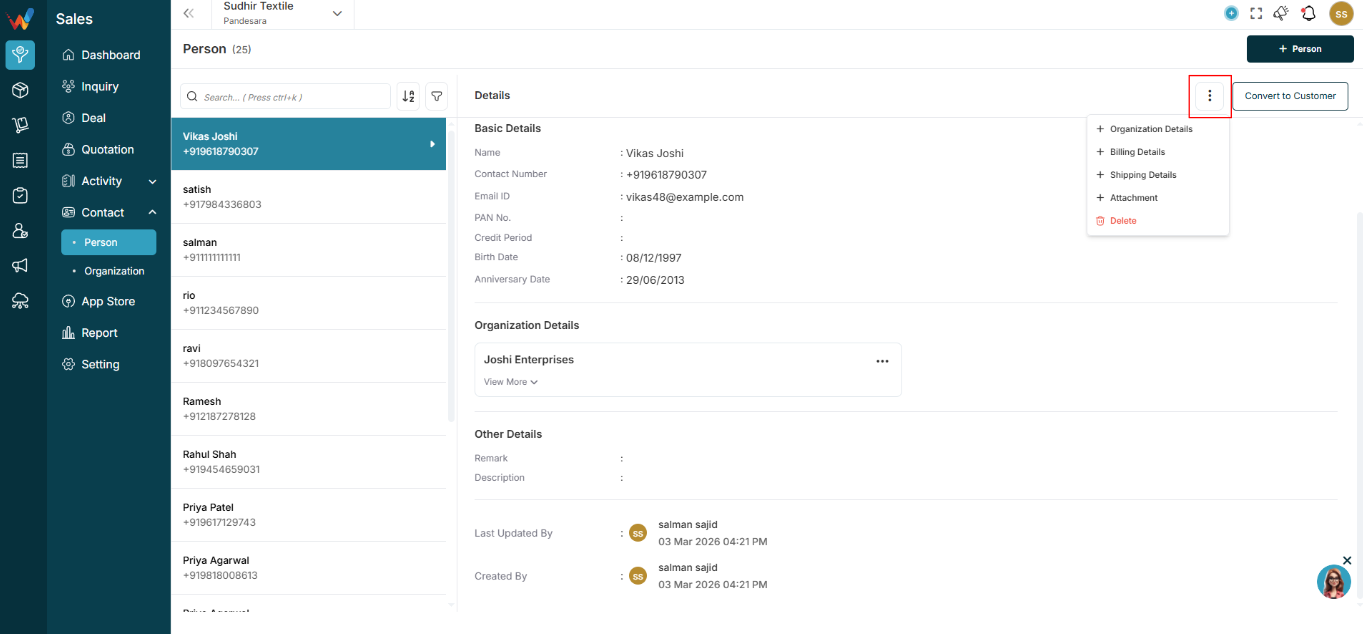
1.1 Common Options
Options can include:
- Organization details
- Billing details
- Shipping details
- Attachment
- Delete
Purpose:
- Allows adding additional information to the Person record
- Allows deletion (based on permission and business rules)
Convert to Customer Button
Navigation Path:
Sales Module → Contact→ Person → Click on Convert to Customer
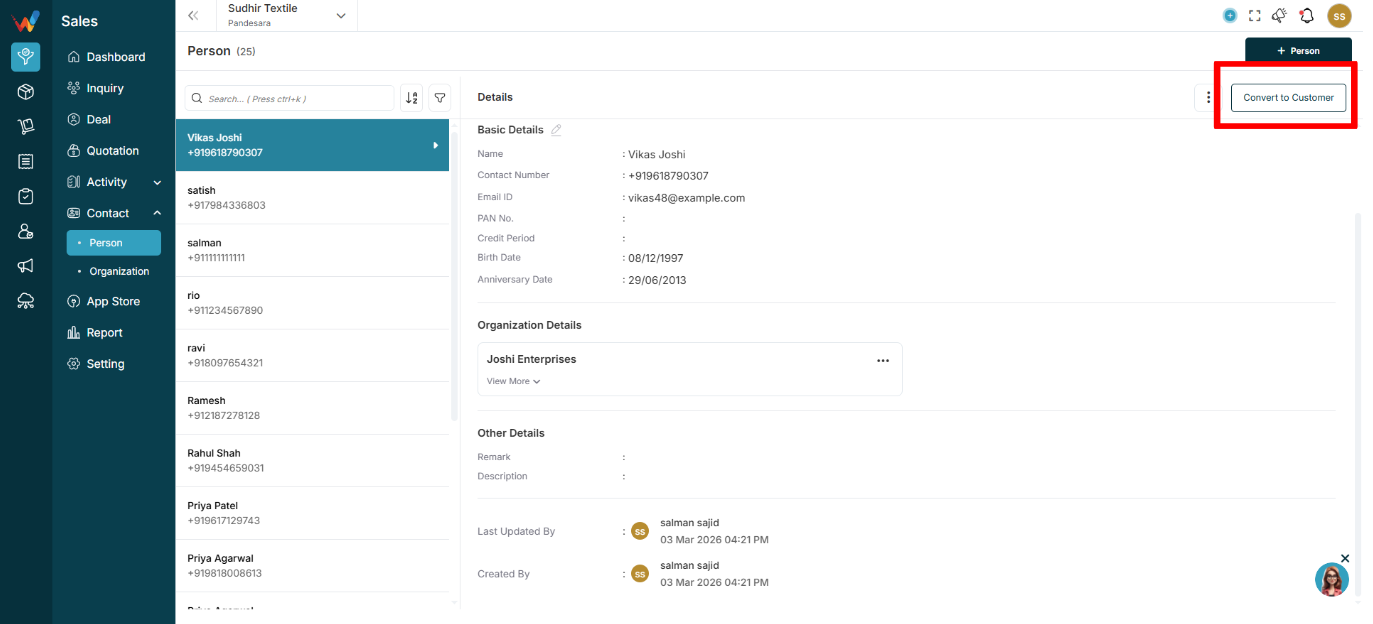
2.1 What It Does
When clicked:
- Person is promoted or converted into a Customer
Used when:
- Deal is closed
- Person becomes a regular billing entity
Benefit:
- Avoids duplicate customer creation and keeps data unified
Filter Panel (From List Screen)
Navigation Path:
Sales Module → Contact→ Person → Click on Filter Icon
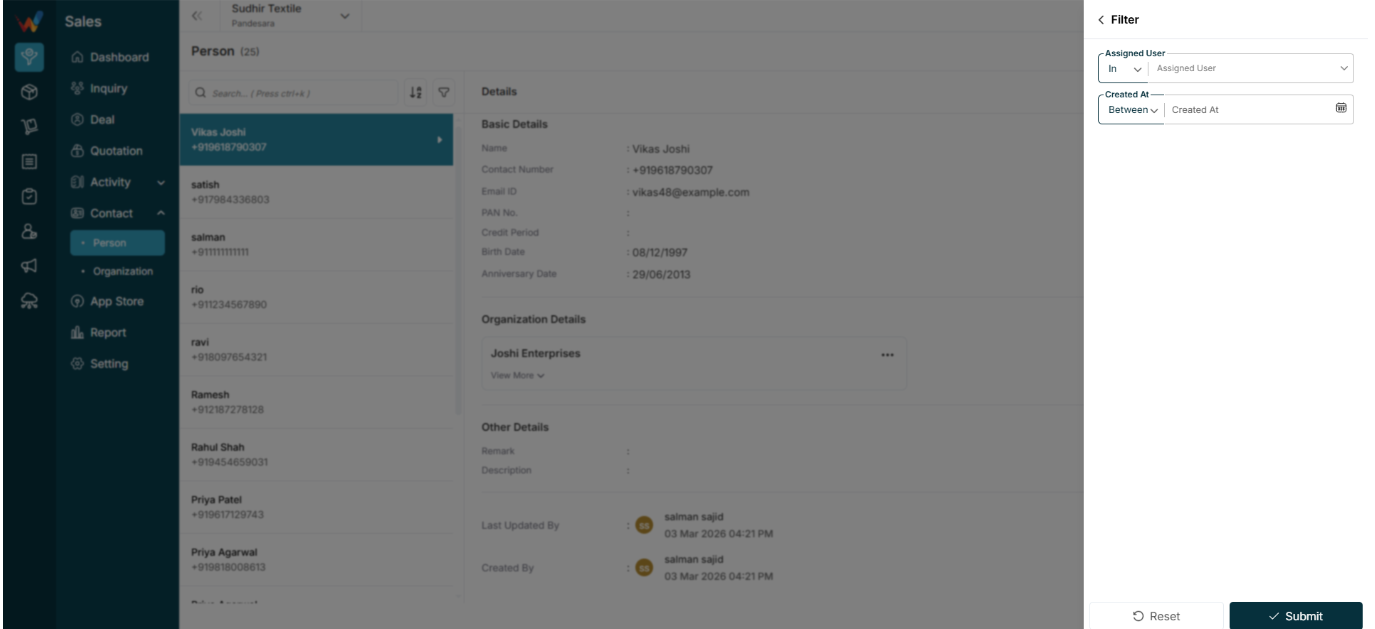
3.1 Common Filters
Filters can include:
- Assigned user
- Created at:
- Between
- Before
- After
Used to:
- See contacts created by a specific team member
- Filter contacts by time period
- Monitor contact entry activity