
Location
Navigation Path:
Order Module → Setting → Click on Order
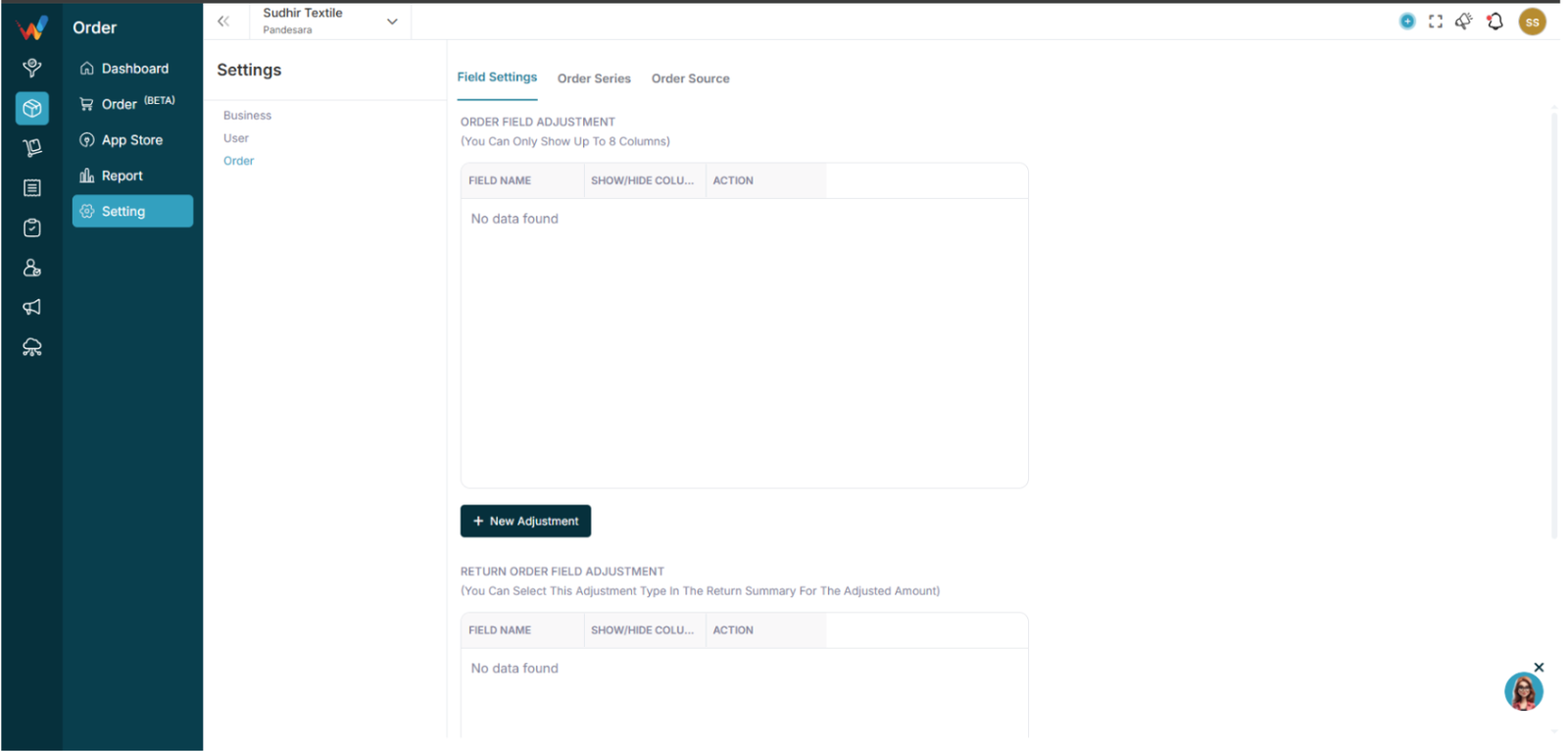
Tabs
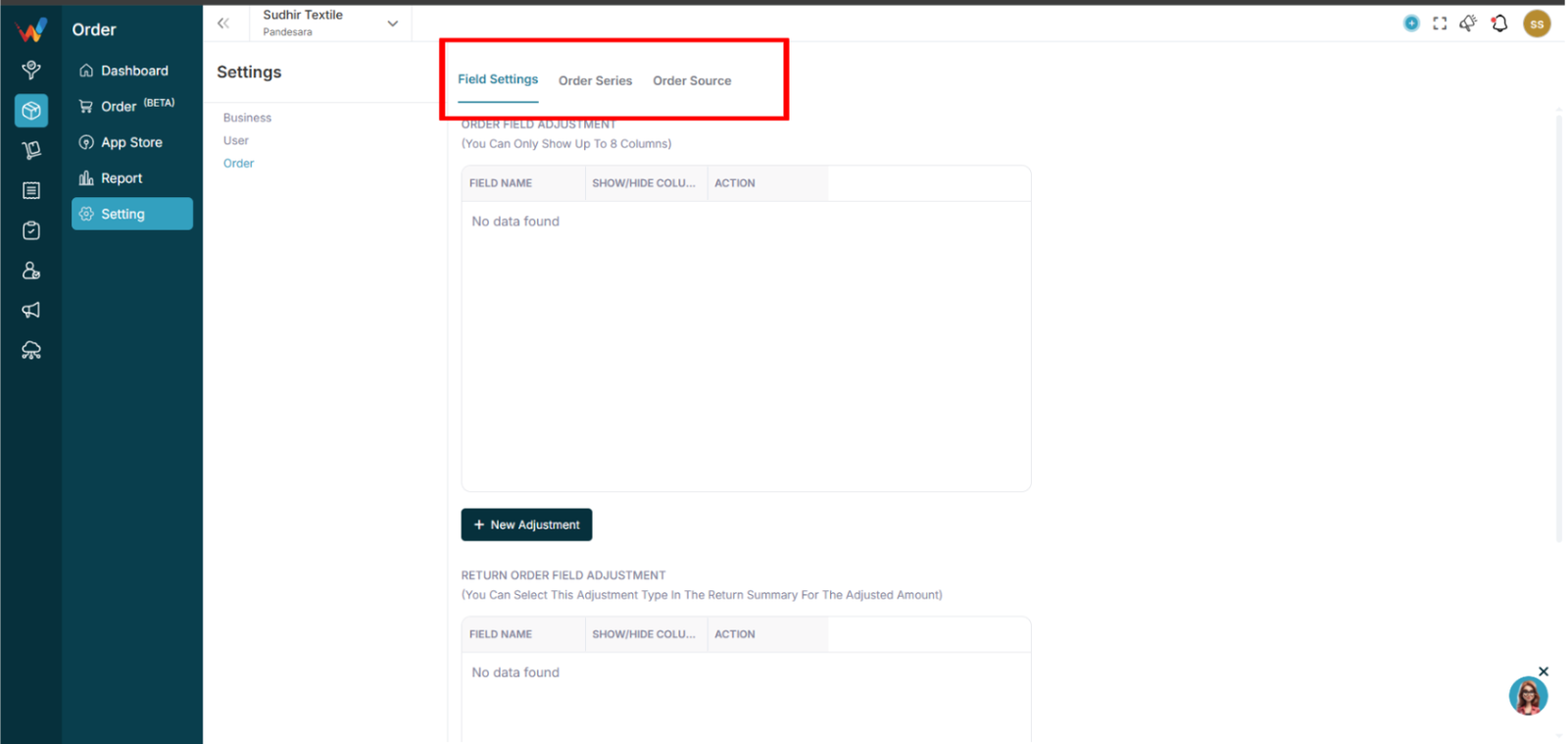
The Order Settings module contains the following tabs:
- Field Settings
- Order Series
- Order Source
Each tab controls a specific part of order system configuration.
Field Settings
3.1 Overview
Field Settings contains two sections:
- Order Field Adjustment
- Return Order Field Adjustment
3.2 Purpose
Allows businesses to create custom fields for:
- Order Create screen
- Return Create screen
3.3 Create New Field
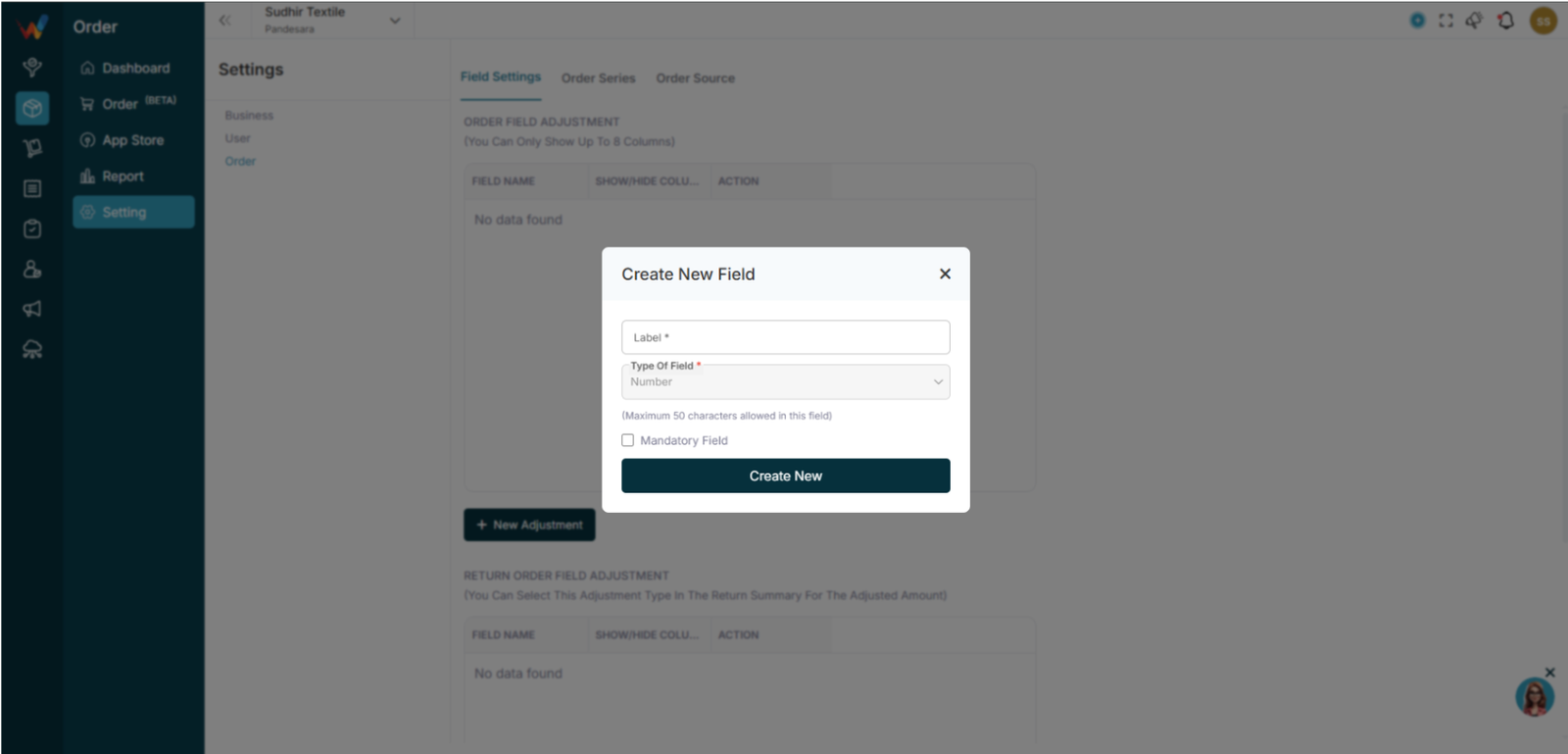
Fields:
- Label (required)
- Type of Field (Text, Number, Date, etc.)
- Mandatory Field toggle
Validation:
- Maximum 50 characters allowed.
Use Cases:
- Transport Type
- Delivery Slot
- Sales Executive
- Internal Remarks
Order Series
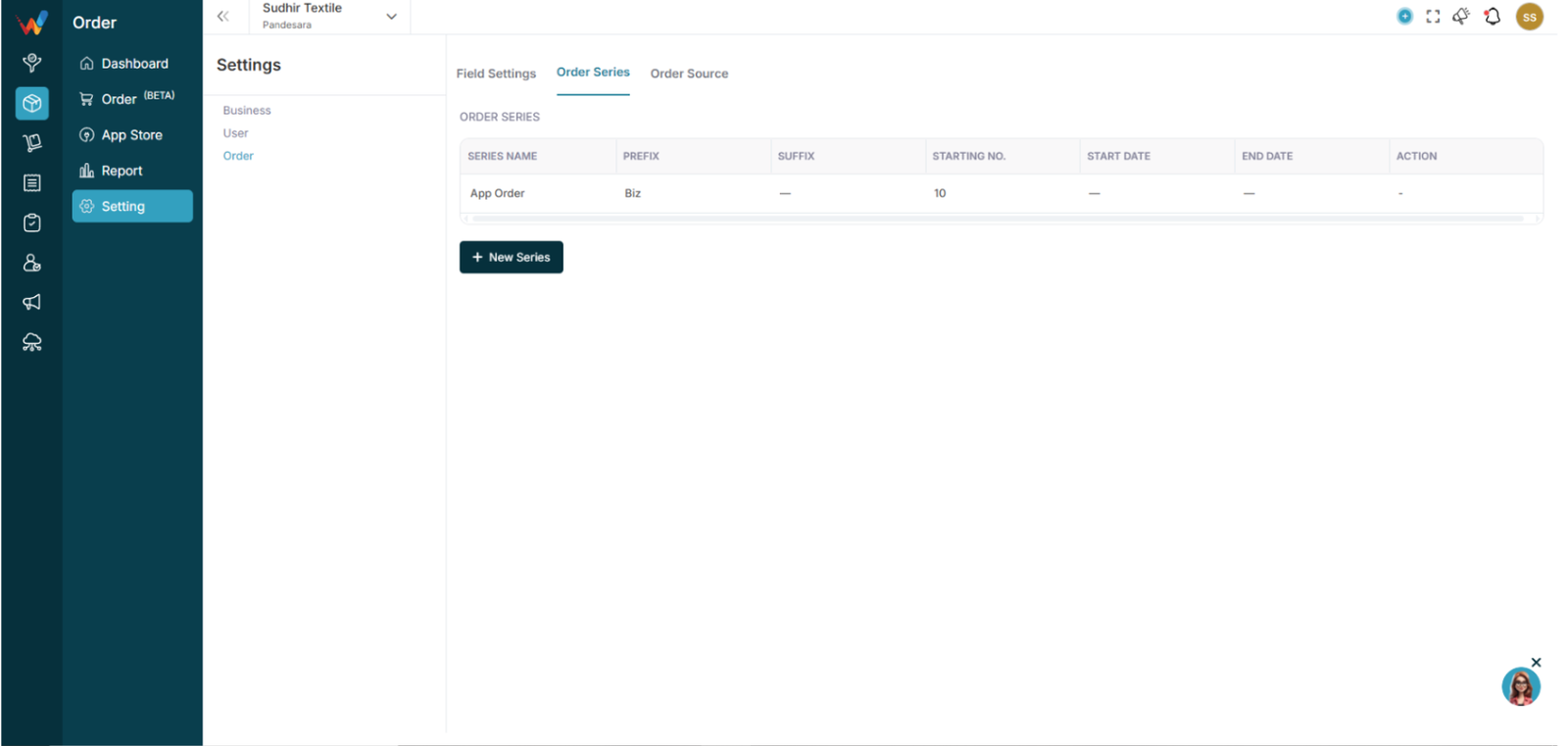
4.1 Purpose
Used for automatic order numbering.
4.2 Add New Series
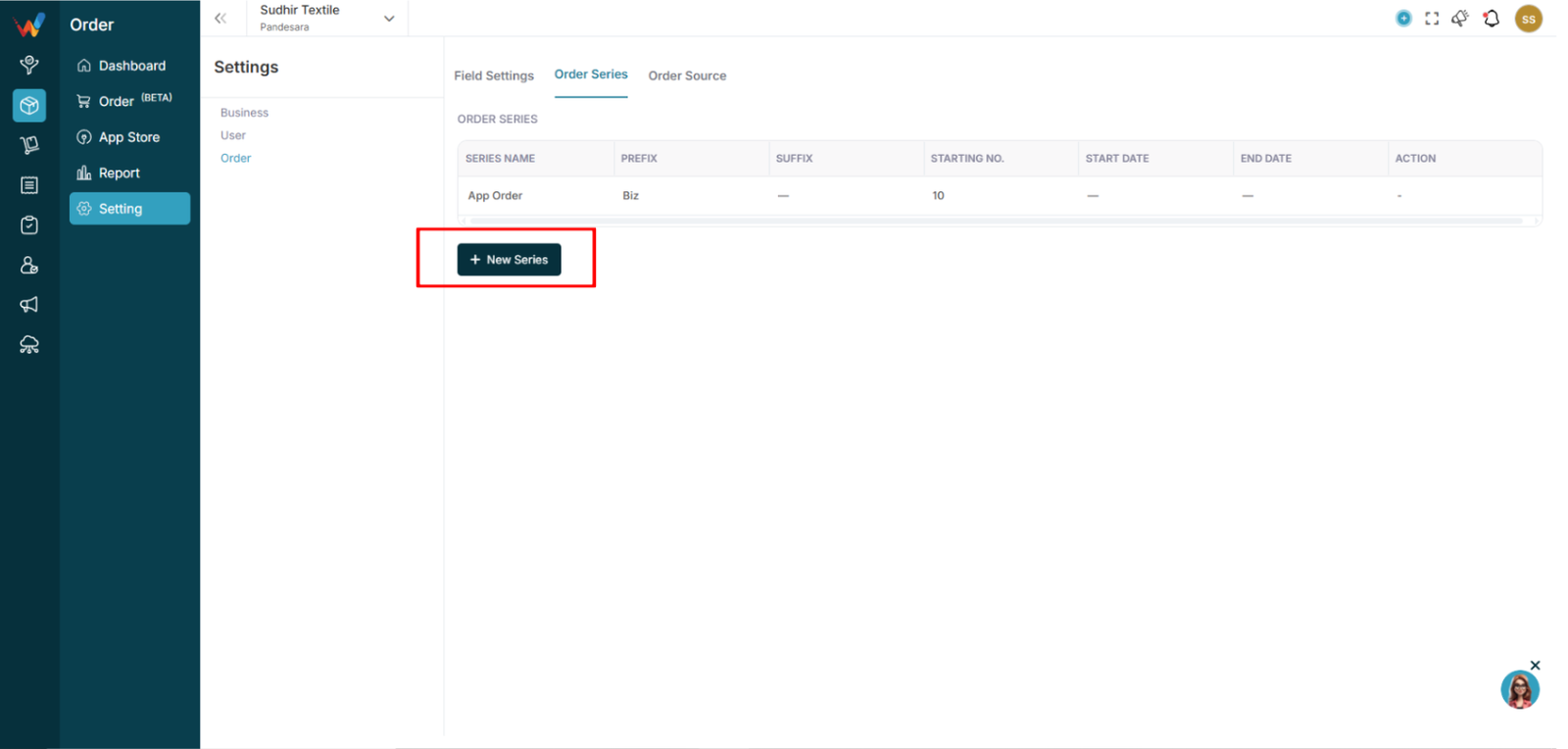
Fields:
- Series Name
- Prefix (optional)
- Starting No.
- Suffix (optional)
- Start Date
- End Date
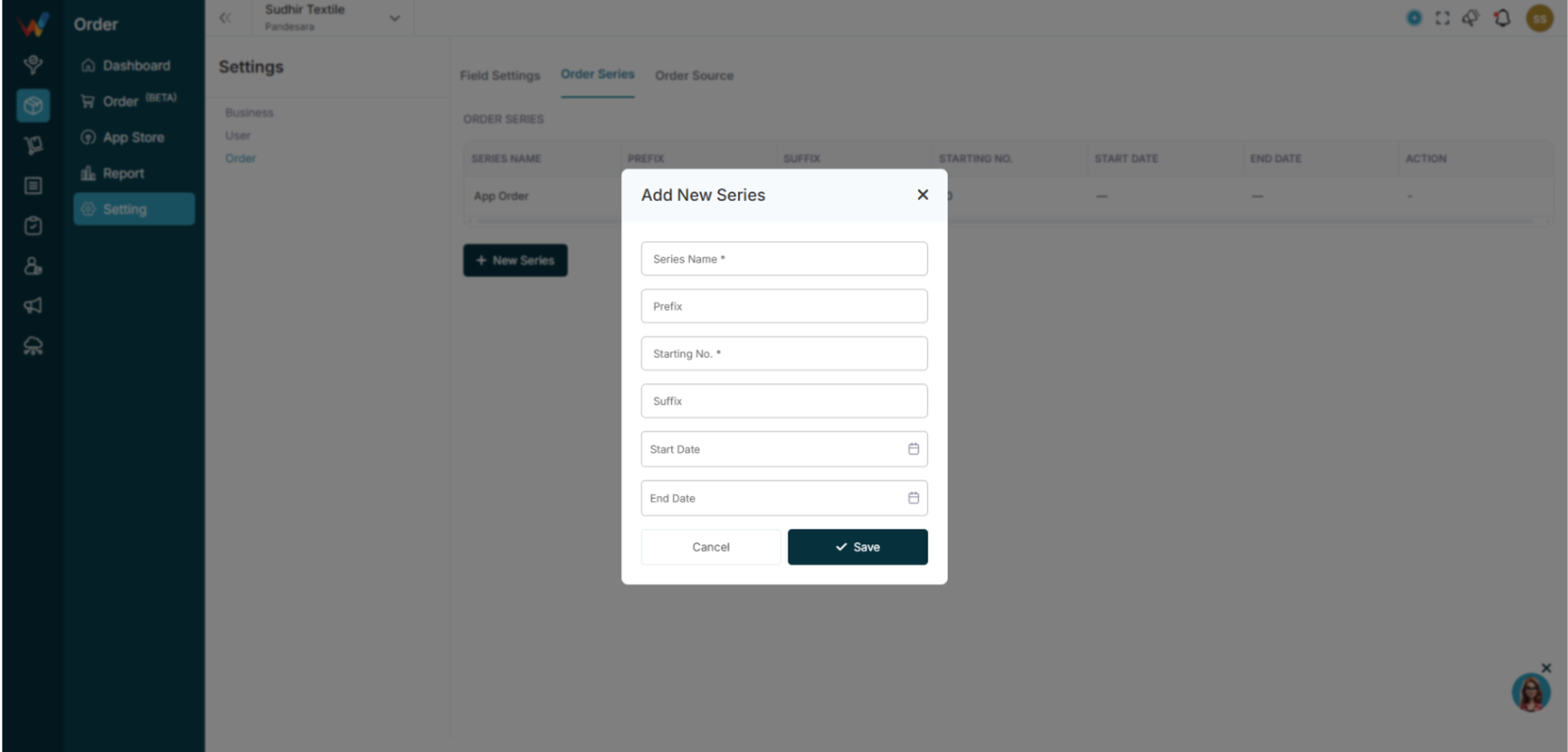
Example:
Series Name: FY25
Prefix: OR
Starting No.: 1
Suffix: WO
Generated ID:
OR-1-WO
System Logic:
- Only the series within the active date range is used.
- The system auto-increments the number for each new order.
Order Source
5.1 Purpose
Defines where the order came from.
5.2 Source List
Examples:
- Shopify
- Myntra
- Office
- BizKart
Users can:

- Show or hide the Source column
- Add a new source
5.3 Add New Source
Field:
- Source Name
Use Cases:
- IndiaMART
- Direct Walk-in
- Export