

1.1 Search Subject
Search visits by subject name.
Shortcut Key: Ctrl + K
Examples:
- Demo Done
- Final Meeting
- Support Visit
4.2 Filter Icon
Navigation Path:
Sales Module → Activity → Visit → Click on Filter Icon
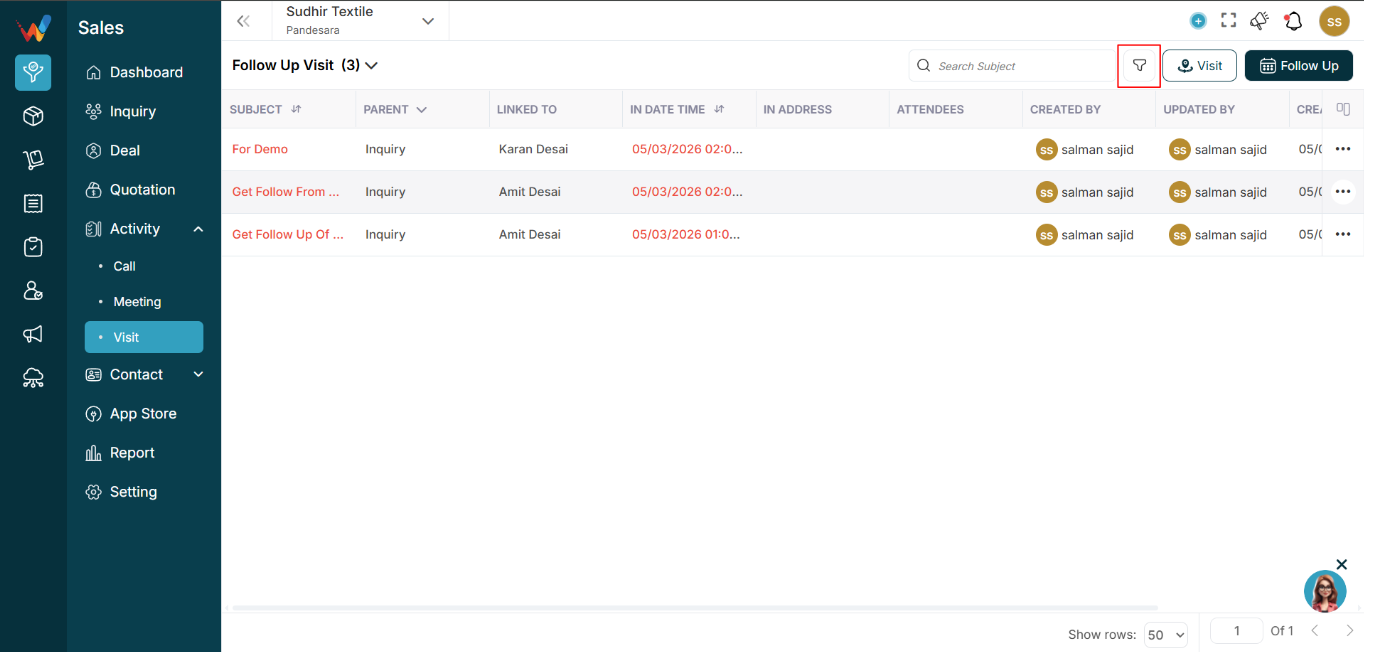
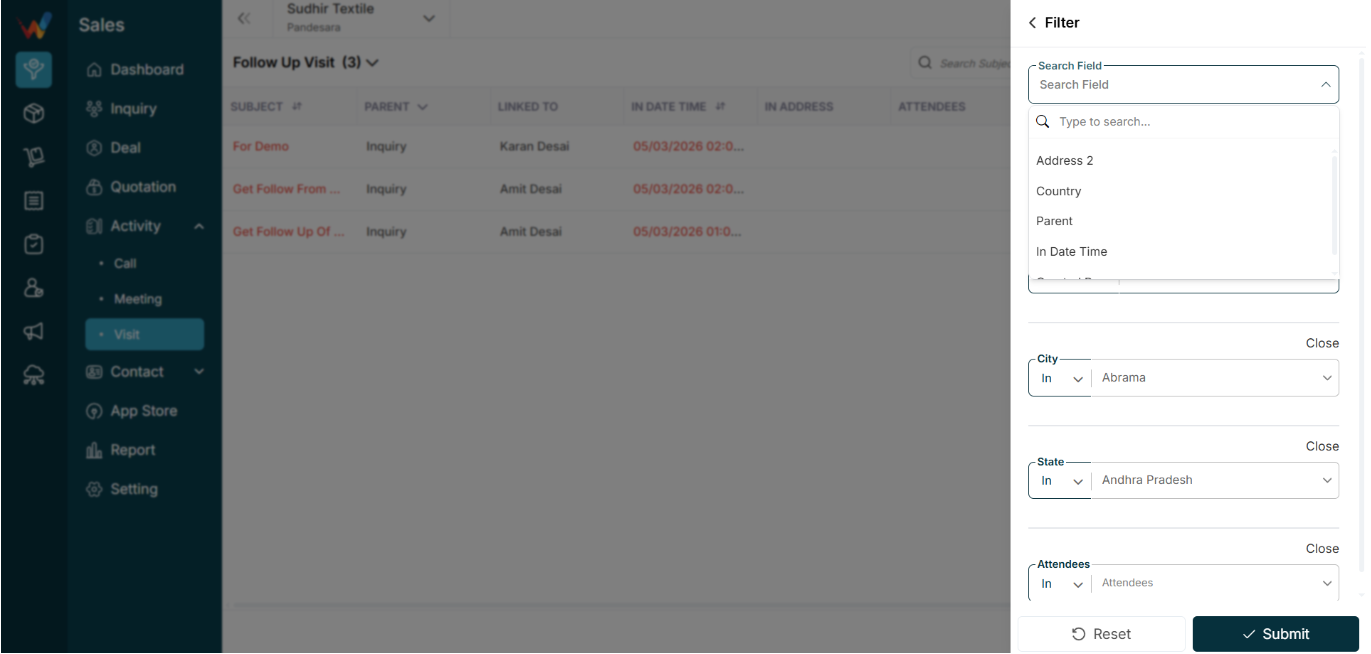
Open the advanced filter panel (right sidebar).
Used to narrow down visit records based on location, timing, and other fields.
4.3 Follow Up Button
Navigation Path:
Sales Module → Activity → Meeting → Click on Follow Up

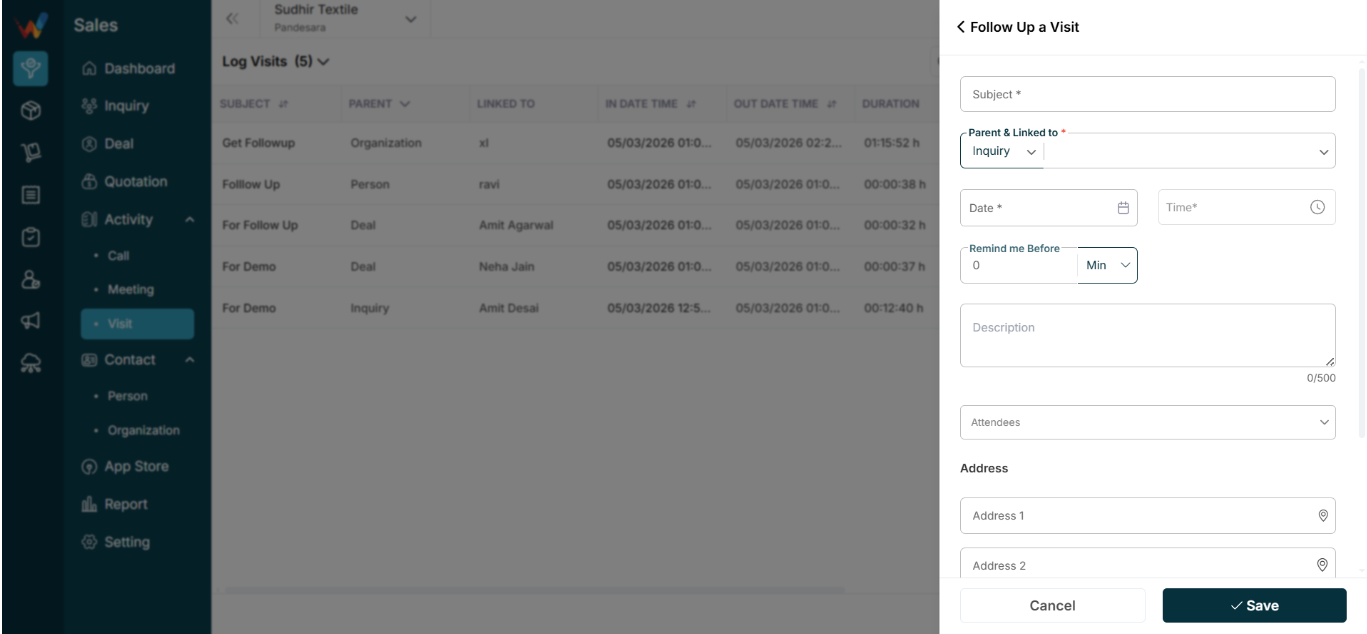
Used to:
- Schedule a future visit.
4.4 Visit Button
Navigation Path:
Sales Module → Activity → Meeting → Click on Visit
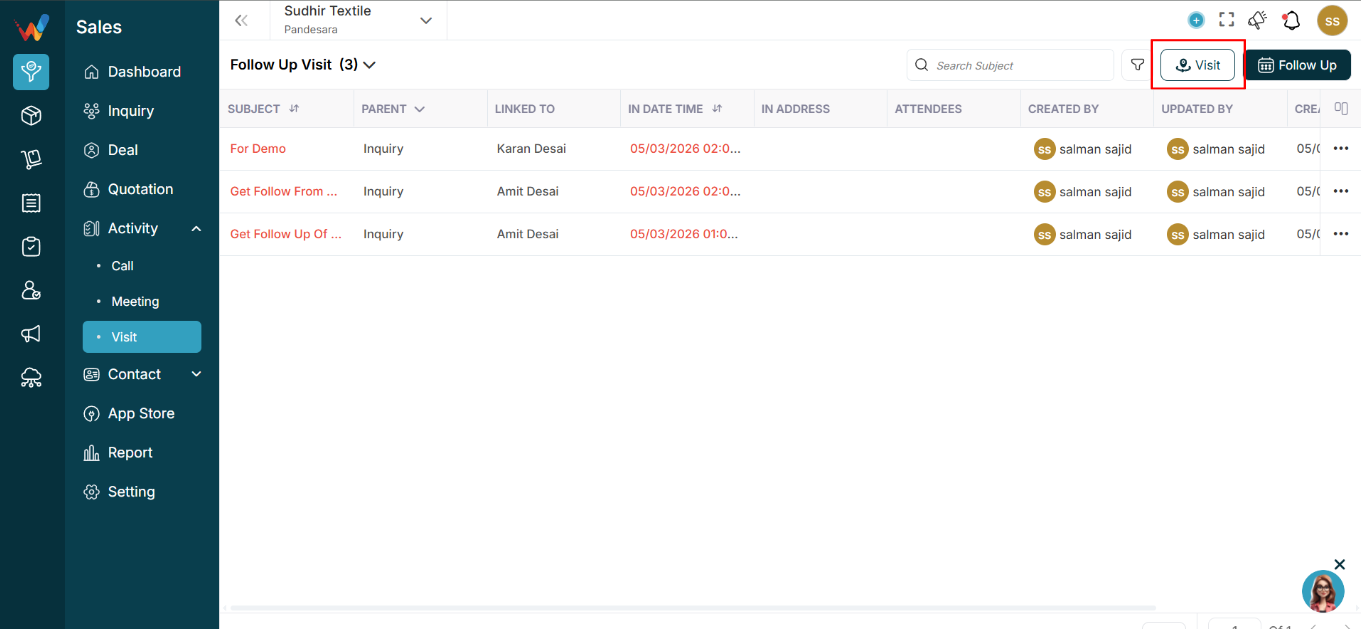
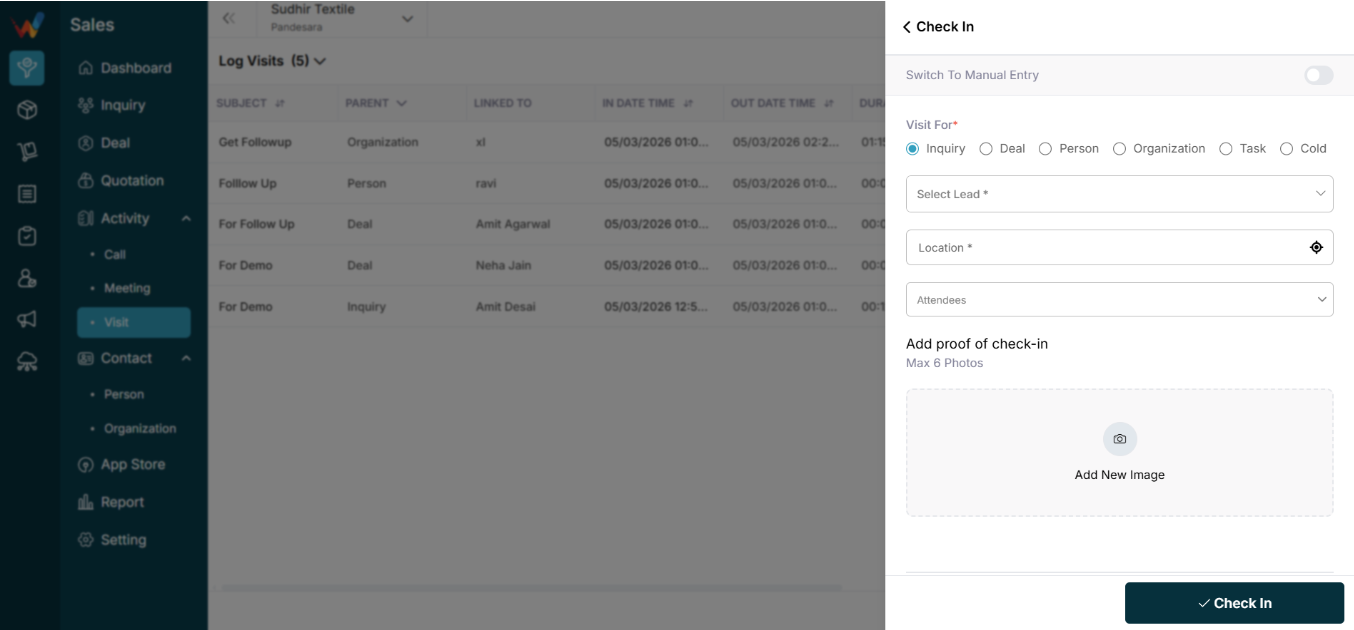
Used to:
- Log a new visit entry (past or real-time visit).