
1.1 Search (Ctrl + K)
Search Bar
Used to quickly find quotations by:
- Quotation number (example: FY-412-2025-26)
- Party name
Behavior:
- Real-time filtering
- Does not change data, only the displayed list

1.2 Sort Option
Sort Icon

Clicking the Sort icon opens sort options.
Sort By:
- Creation date
- Modification date
- Quotation number
- Due date
- Amount
- Party name
Order:
- Ascending
- Descending
What Happens When Sort Is Applied?
The system:
- Reorders the quotation list
- Does not modify any quotation data
- Only changes the display order
1.3 Filter Option
Filter Icon
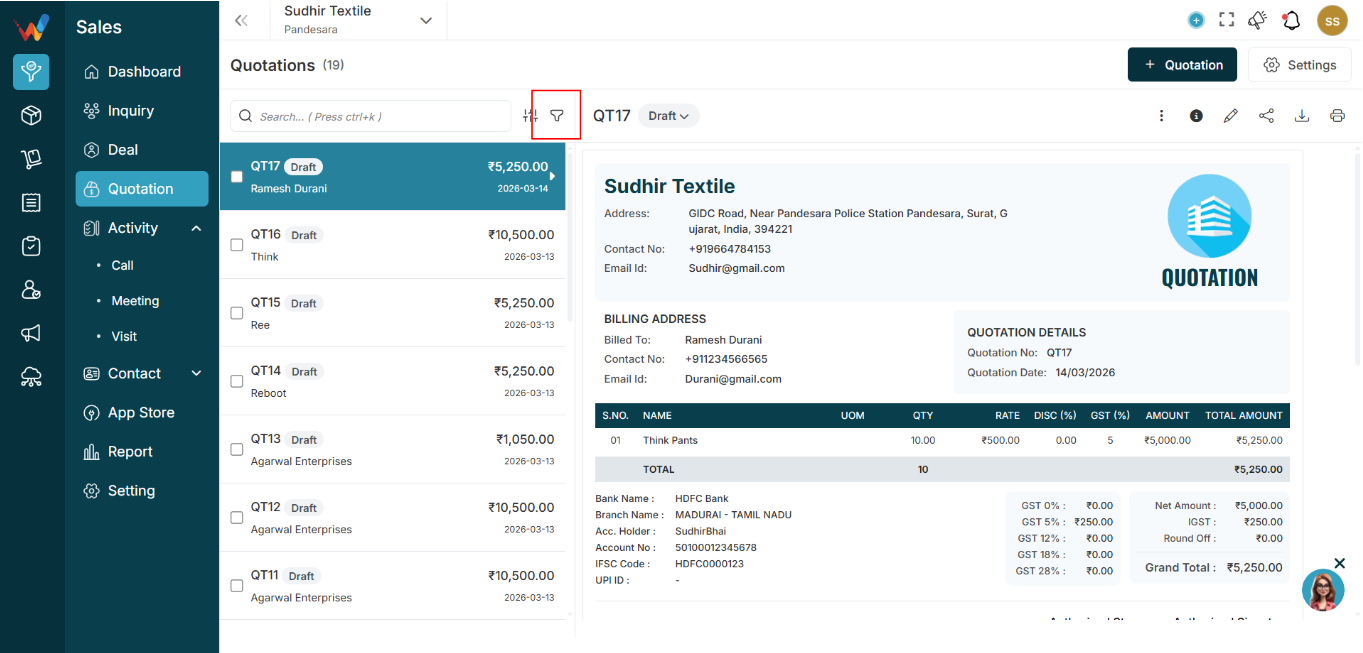
Clicking the Filter icon opens a right sidebar.
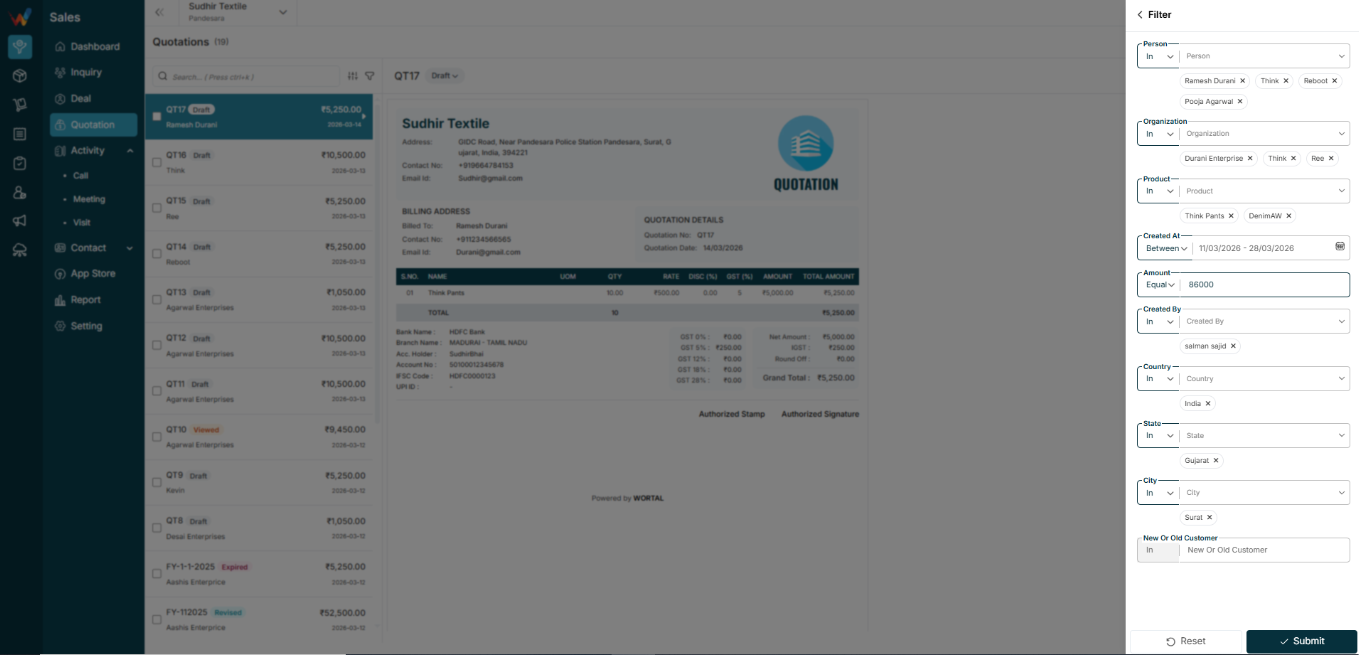
Filter options can include:
- Person name
- Organization name
- Created date
- Item
- Amount
- Created by
- Country
- State
- City
1.4 When User Clicks Submit
The system:
- Applies filters
- Shows only matching quotations
- Updates the quotation count accordingly
Reset:
- Clears all applied filters