
1.1 How to Open
Navigation Path:
Sales Module → Activity → Meeting → Click on Filter Icon
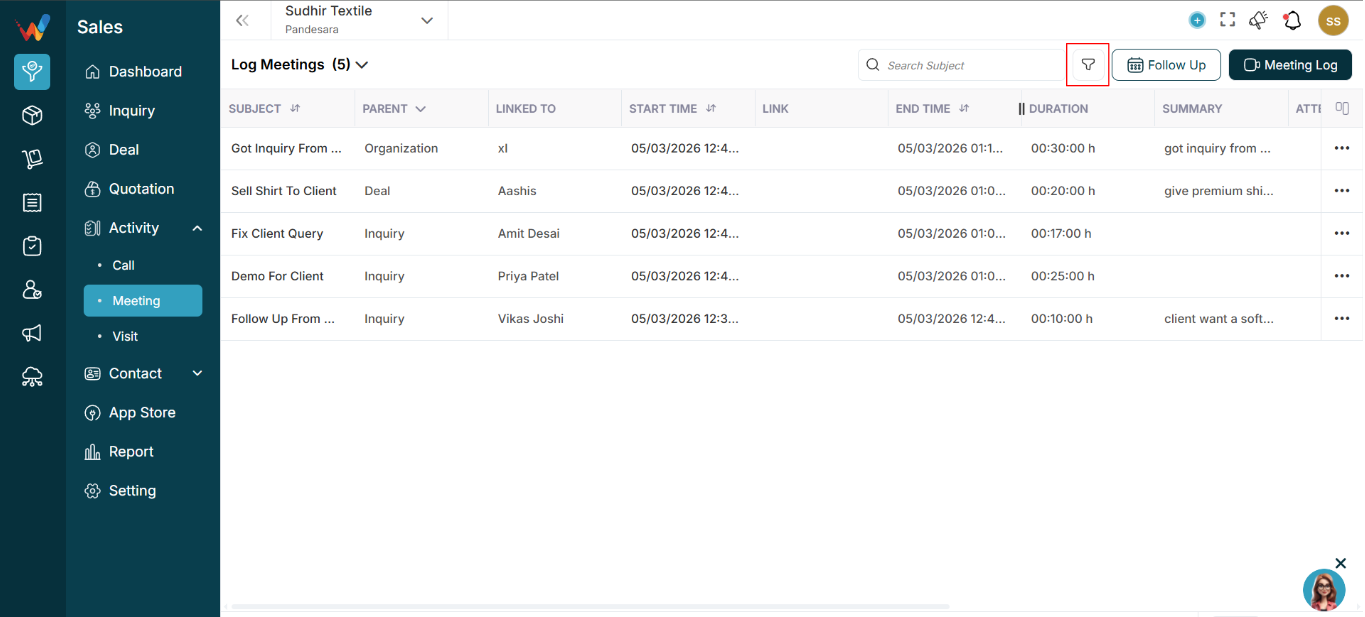
Click the Filter icon in the top bar.

1.2 Filter Dropdown: “Search Field”
This works as a smart filter builder.
Choose a field to filter by, such as:
- Parent (Lead / Deal)
- Duration
- Date
- Attendees
- Other fields (depending on configuration)
Based on the selected field, the system shows the right input type:
- Date picker
- Dropdown
- Numeric range
- User selector
Apply filter to view only matching meetings.
1.3 When Filters Are Most Useful
Helpful when there are many meeting logs and you want to view only:
- Meetings for Deals
- Meetings logged by a particular user
- Meetings in a date range
- Meetings longer than a specific duration