
Left Panel — Person List
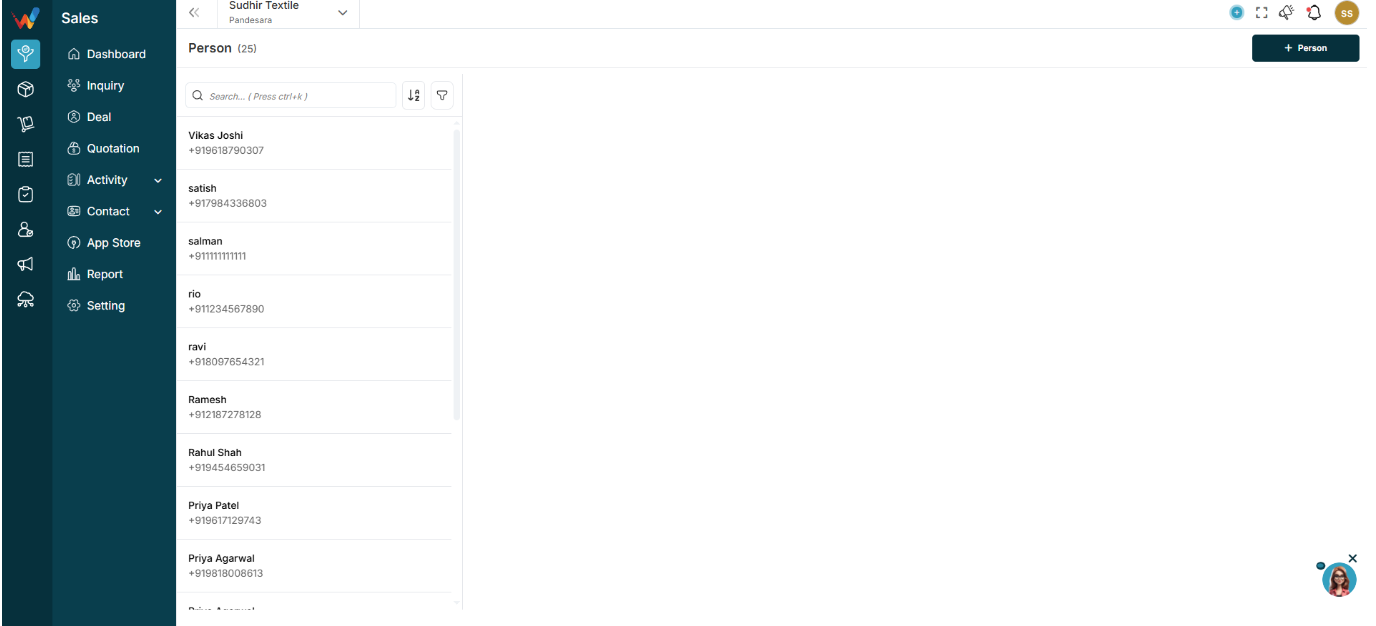
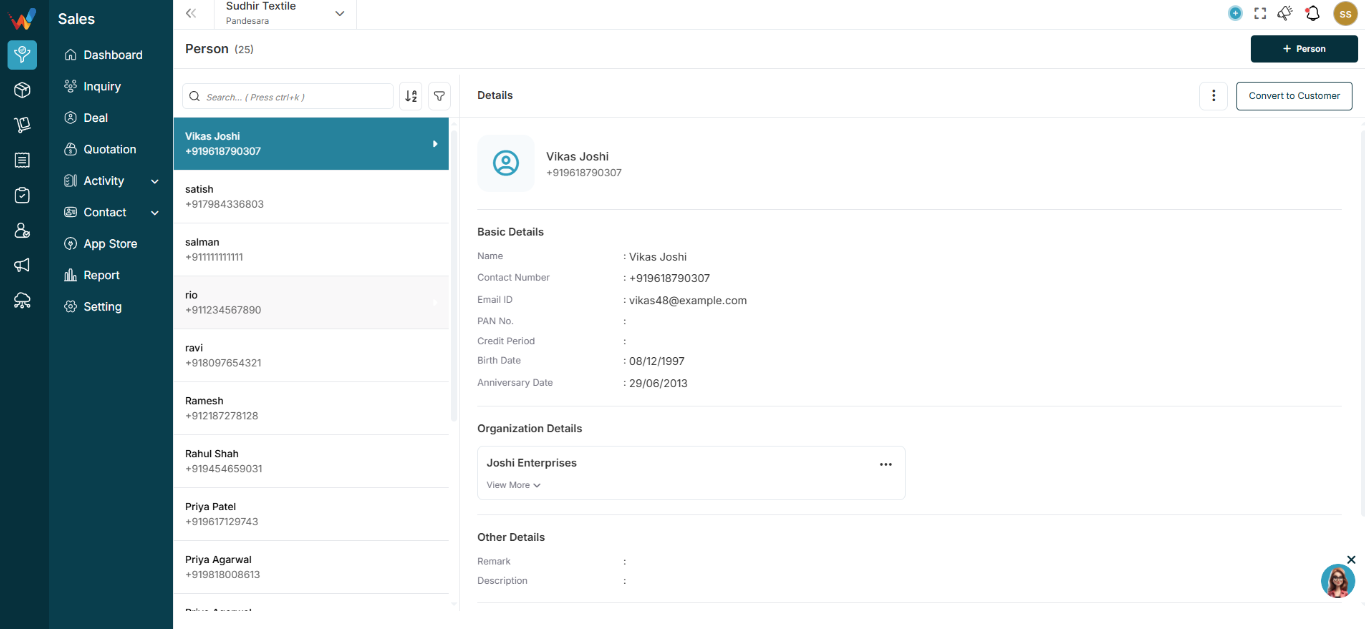
1.1 What You See in the List
This is a vertical list of all saved contacts. Each row shows:
- Person name
- Primary contact number
Example:
- Zeeshan Saleem
- +91 9760009000
1.2 Search Bar (Top)
Used for quick access when the contact database is large.
Capabilities:
- Search by name
- Search by mobile number
Shortcut: Ctrl + K
1.3 Sort Icon (A–Z / Z–A)

Enables alphabetical sorting of the person list.
1.4 Filter Icon
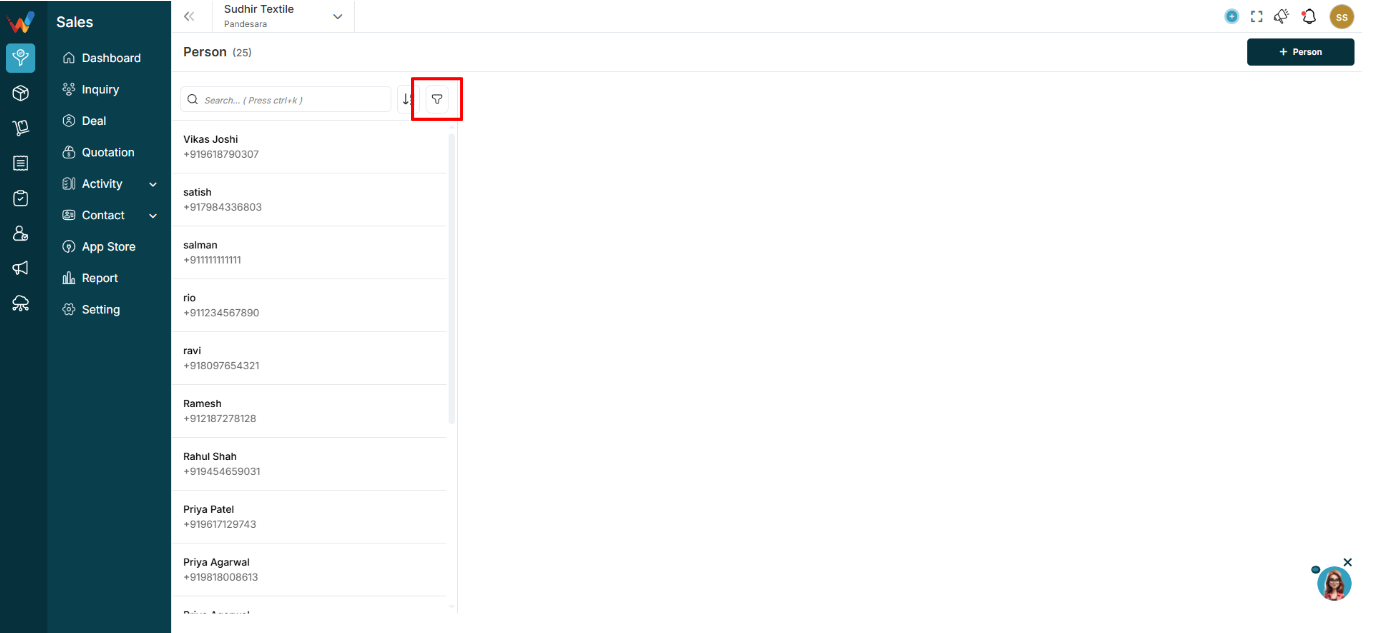
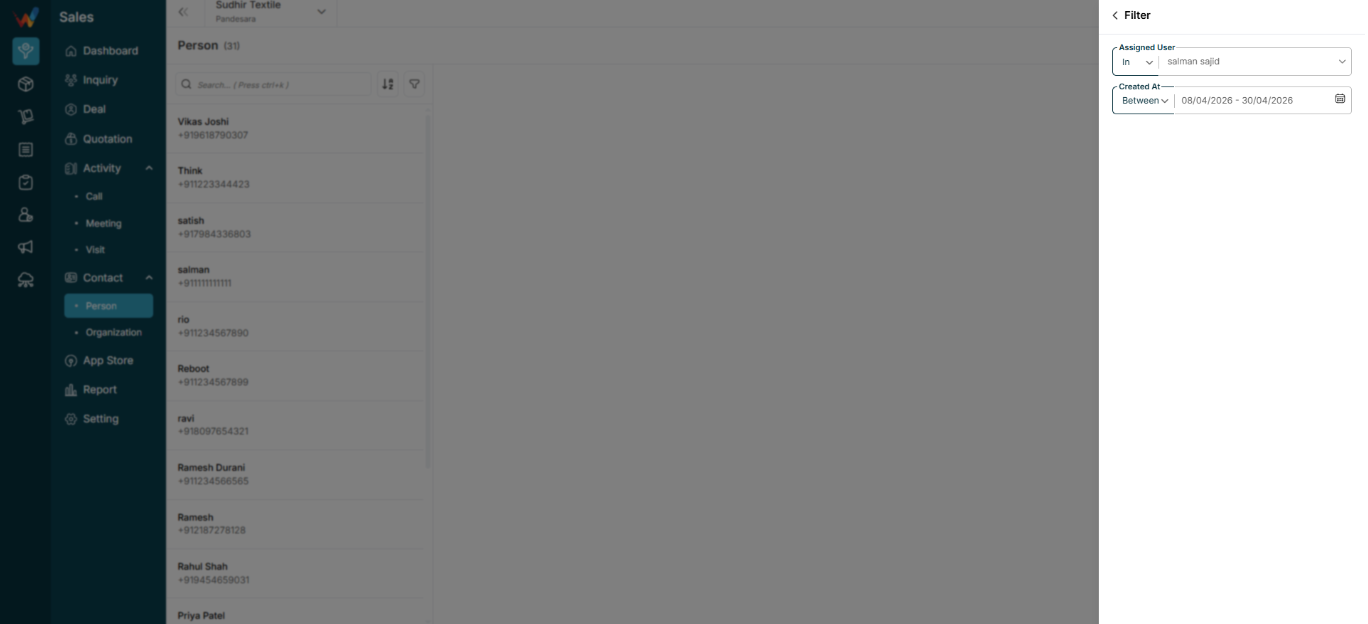
Opens the filter panel (explained later in this document).
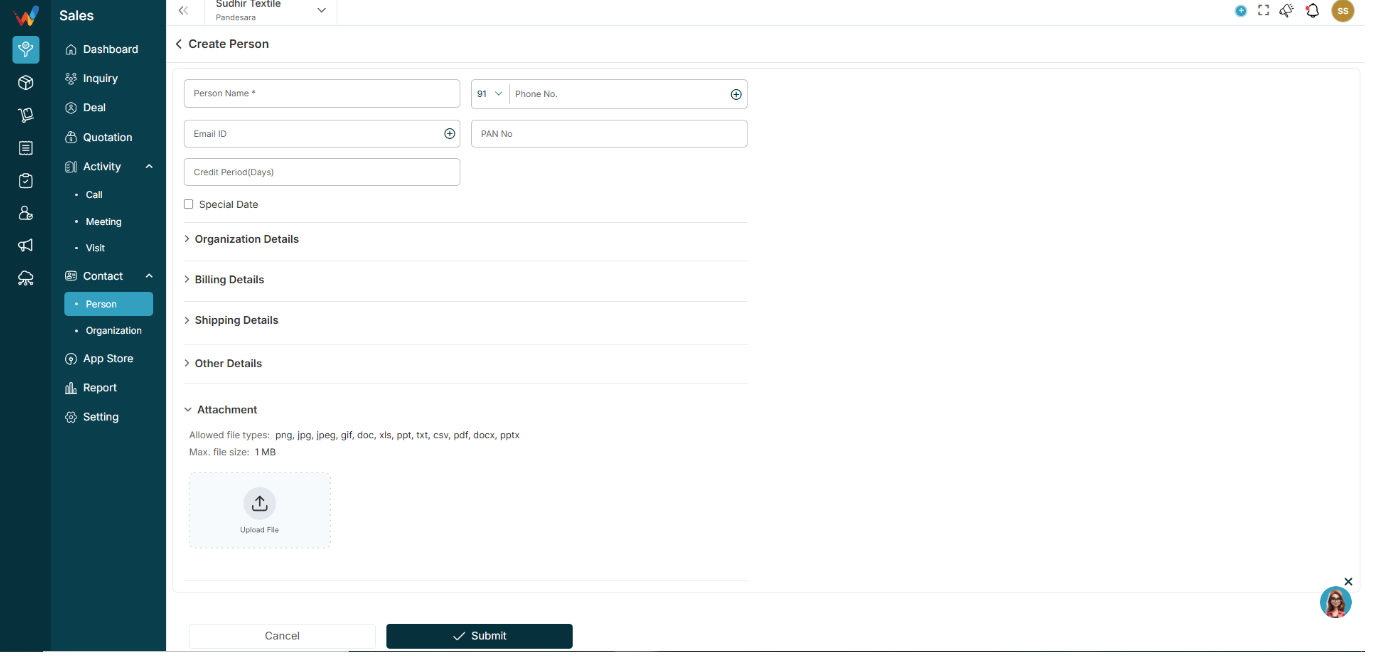
1.5 + Person Button (Top Right)
Navigation Path:
Sales Module → Contact→ Person → Click on + Person
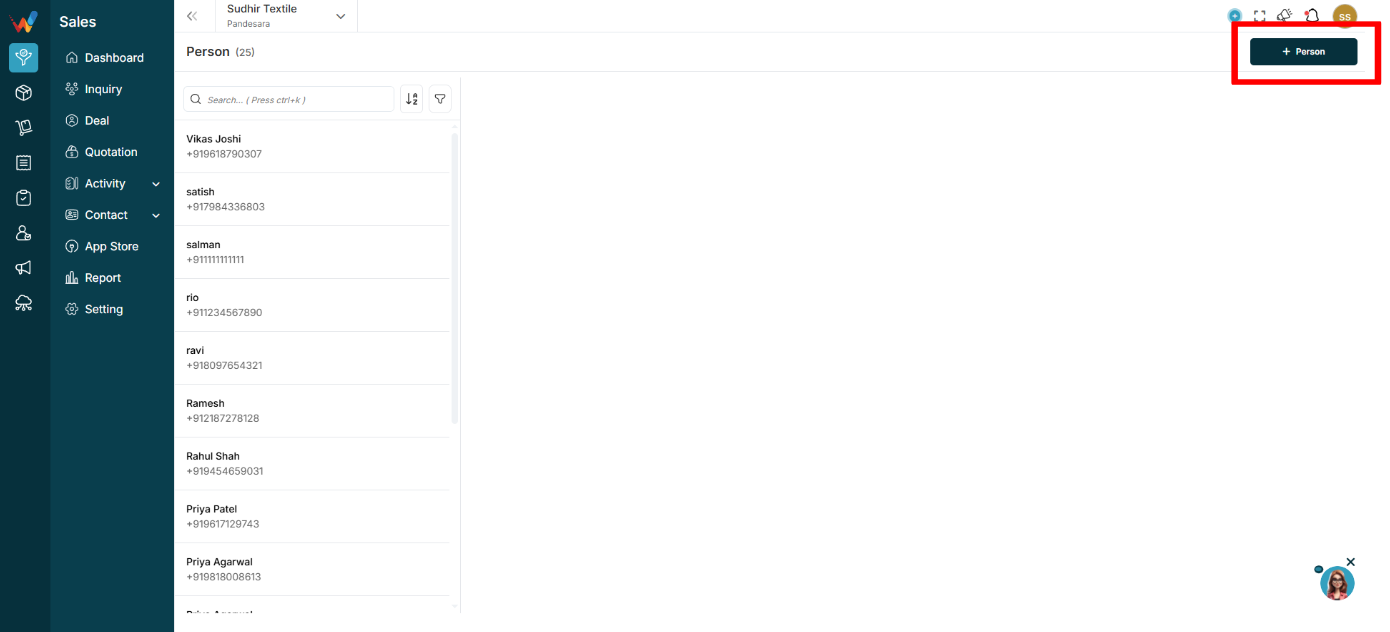
Creates a new Person record.
Person Detail View (Right Panel)
2.1 What Happens When You Click a Person?
When a user selects any person from the list, full details open on the right side.
Person Detail — Section Breakdown
3.1 Header Section
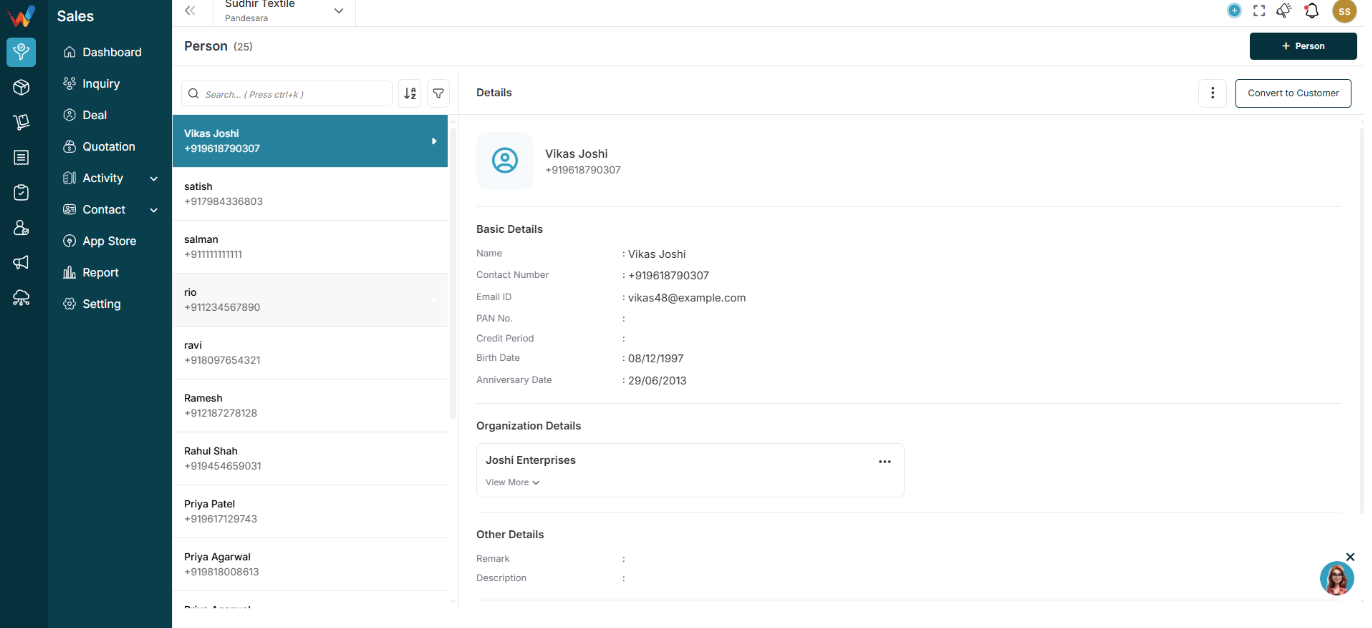
Shows:
- Profile icon
- Person name
- Primary contact number
Right side typically includes:
- Three dot menu (⋮)
- Convert to Customer button
3.2 Basic Details
Contains core identity information such as:
- Name
- Contact number
- Email ID
- PAN number
- Credit period
- Birth date
- Anniversary date
Edit behavior:
- Edit icon allows updating basic information
Purpose:
This is the primary identity and communication information of the contact.
3.3 Billing Details
Displays billing-related information such as:
- Address
- City
- State
- Country
- GST type and more
Billing card actions (⋮ inside billing card) may include:
- Edit
- Delete
Used when:
- Contact becomes a billing party
- Contact is linked to quotation or invoice
Notes:
- Multiple billing details can be added.
3.4 Shipping Details
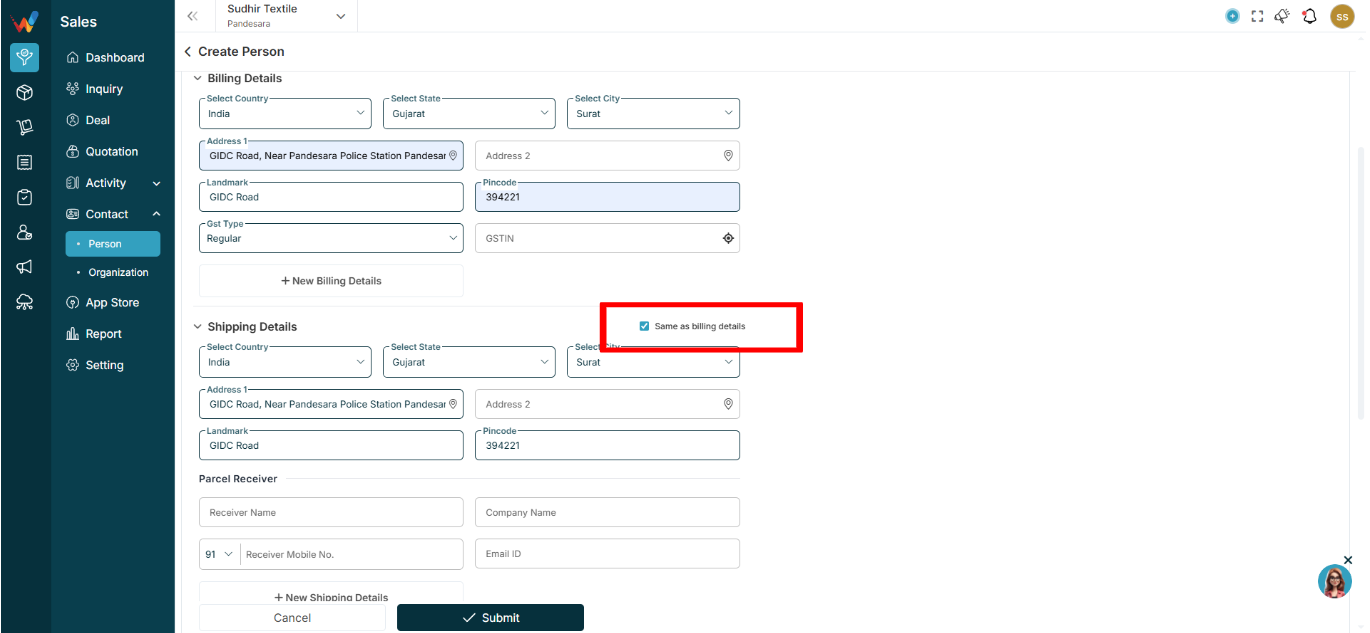
Same as Billing (Checkbox)
When enabled, the shipping address is auto-copied from billing.
Shipping Address Fields
Same structure as billing, typically showing:
- Address
- City
- State
- Country
Parcel Receiver (If Different From Buyer)
Includes:
- Receiver name
- Company name
- Contact number
- Email ID
Shipping card actions (⋮ inside shipping card) may include:
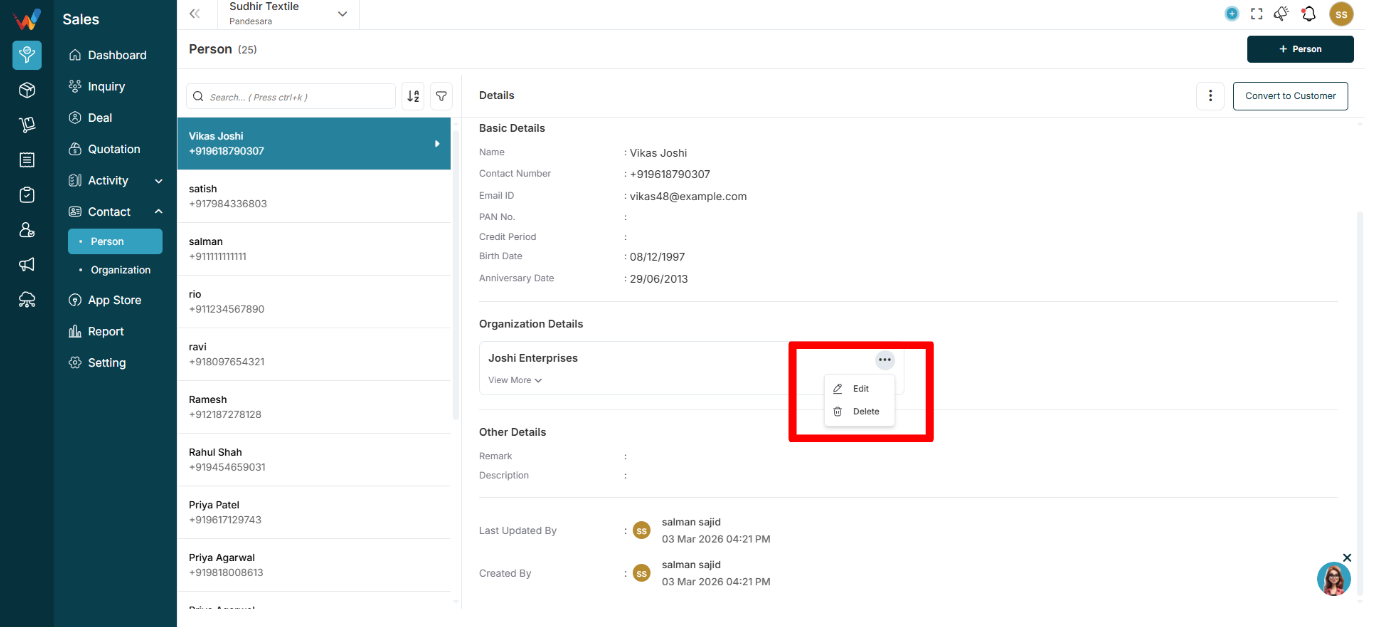
- Edit
- Delete
Used when:
- Receiving person is different from buying person
- Shipping details are required for quotation and invoice
Notes:
- Multiple shipping details can be added.
3.5 Other Details
Contains:
- Remark
- Description
Used for:
Sales notes and historical context, for example:
“Shared details on WhatsApp. Demo scheduled 27-2.”
At the bottom, the system usually shows audit fields such as:
- Last updated by
- Created by
- Date and time
Purpose:
Supports reporting, accountability, and audit trail.