
Add Outward Stocks
The Add Outward Stocks screen is used to record new stock removals.
By Clicking the “+ Outward” Button, the Following Functions Apply:
Navigation Path:
Inventory Module → Outward → Click on + Outward
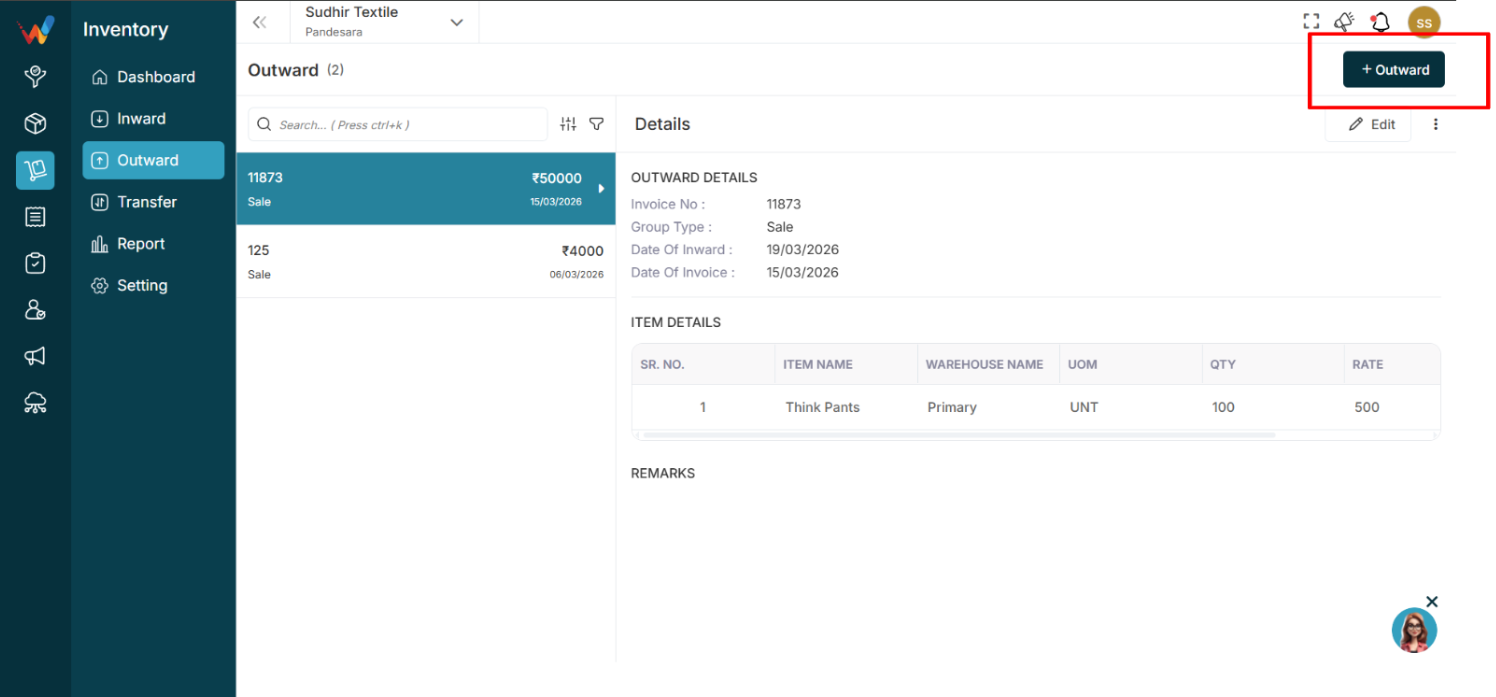
1.1 Add Outward Stocks (Form Actions)
Voucher Type
Begin by selecting the Group Type, which defines the type of outward transaction. Available options include:
- Sale
- Purchase Return
Invoice Details
Enter the required invoice information. This section captures the transaction’s invoice data.
Item Details
Add the items being dispatched along with their quantity and rate. To include multiple items, click + New Row.
Remark
Used to add notes or additional details.
Submit
Click Submit to save the outward entry.
Cancel
Click Cancel to exit without saving.
Back
Click Back to return to the previous screen.